


Yes. ChatGPT can make a QR code that opens your link. Ask it to encode the URL with a QR code library. Asking for a picture of a QR code can give you a convincing pattern that your phone can't read.
Generating a QR code straight from ChatGPT: what you actually get
Try this prompt: “Use a QR code library to encode this exact URL: [paste your link]. Give me the PNG.” If your chat can run code, download the file it returns. If it only offers to draw an image, paste the link into the QR code generator and use the exported file in your design.
Scan a printed proof and check the address it opens. A static code that points straight to a mistyped URL leaves you with 5,000 flyers to reprint. If the destination might change, create a dynamic code before printing. It sends the reader through a short link whose destination you can edit later.
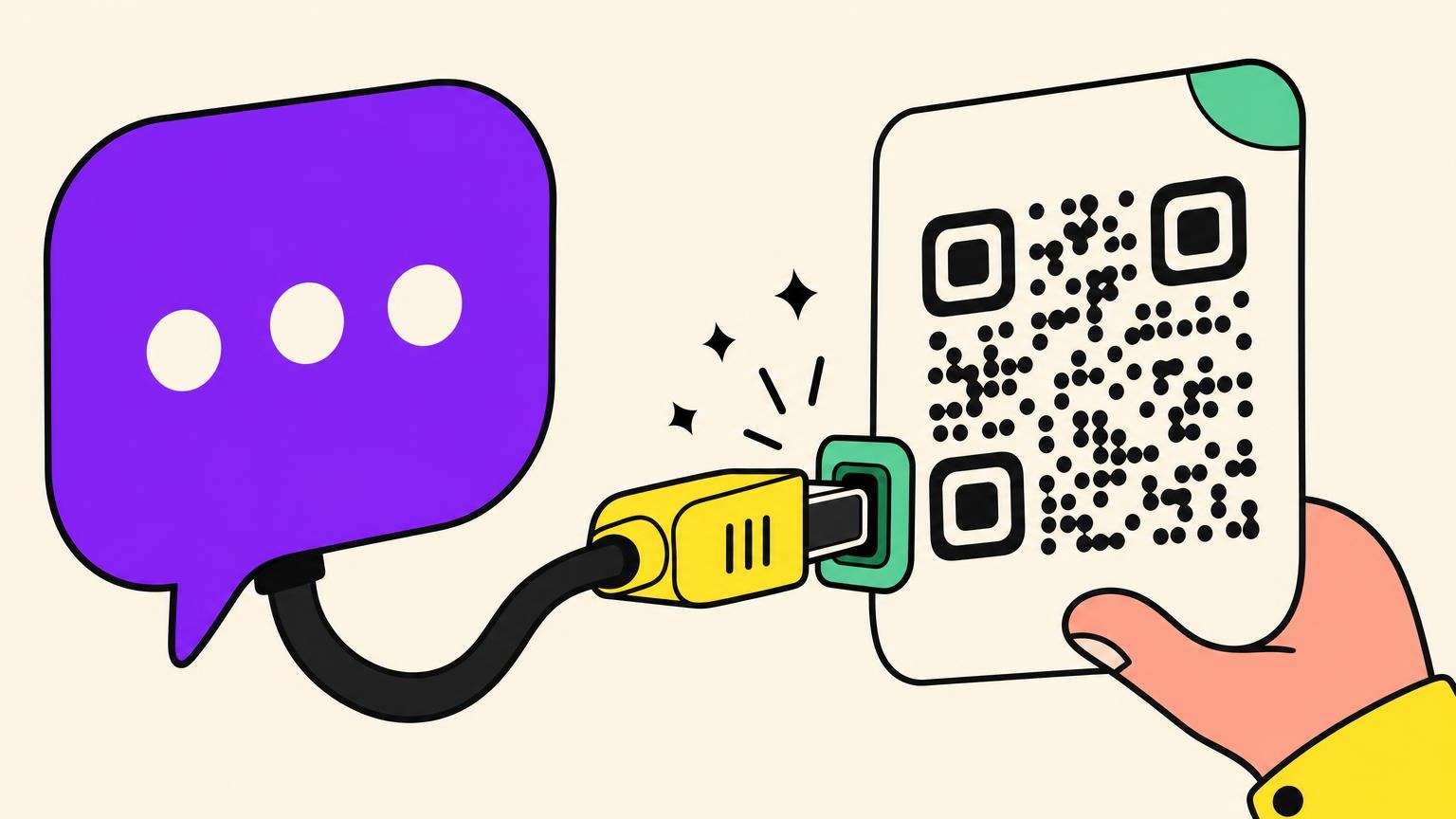
MCP without the jargon: the USB-C port of AI assistants
MCP stands for Model Context Protocol. It lets a chat assistant call tools supplied by another service. Here the QR generator encodes the URL and returns a file. The assistant can also ask that service to change a dynamic code's destination or look up its scan counts, if your account has those permissions.
Five real use cases for the AI-driven QR code
Once your assistant has access to a QR generator, try it on one of these jobs.
- The campaign QR code created mid-conversation. You're already discussing the campaign in the thread. The URL, the name, the UTM parameters sit right under the assistant's nose, and it creates the code with that context without you switching tabs.
- Statistics in plain English. "How many scans on the menu QR code this month?" replaces the trip to the dashboard. Then you decide what to do with those scans, for instance turning them into ad audiences.
- A separate code for each shop. Put each shop's name and URL in a spreadsheet. Ask the assistant to create the first code and check the link before it works through the rest, one code at a time.
- The QR code slipped into an existing workflow. The assistant writes the product sheet, the email or the event handout, and drops the right code in on the way: website, text message, WhatsApp conversation or app download.
- The destination changed without reprinting. Menu of the month, seasonal offer, dead page to redirect: the printed material doesn't move, the destination does. Which settles the 5,000-flyer problem from earlier.
In all five, the detour through the dashboard disappears.
A typical session with ChatGPT or Claude at the controls
A typical session fits into three sentences typed in the thread. Considerably less spectacular than you'd imagine.
For Claude, follow the Oh My Code connector setup. Add https://ohmycode.net/api/mcp as a connector in Claude on the web or desktop, then authorize it on the Oh My Code screen. The codes it creates appear in your usual dashboard. Try these requests:
- "Create a dynamic QR code pointing to the booking page." The assistant confirms the URL, creates the code, returns a PNG, an SVG or an EPS.
- "Change the destination to the new menu." Updated, without the printed material moving.
- "How many scans last week?" The number lands in the thread.
On the web, ChatGPT can also connect to a custom MCP server. Follow OpenAI’s setup instructions and check that your workspace allows the connector to create records. A connection with read-only access can retrieve scan counts, but it can't create your code.
Security and blind spots: what to know before connecting your AI
An MCP server runs code on your behalf. You pick one with the caution you'd give a downloaded executable. Only connect ChatGPT or Claude to services you already use and whose account you own.
A serious connector limits the damage by restricting access to its one job, QR code management, never your passwords or your payments. Inspect every permission before you accept. You unplug it in one click from the settings.
The ecosystem is young and it shows. People are still documenting, in 2026, connectors that vanish from the directory, or an authorization that goes through without the connector ever showing up in the chat. Expect friction.
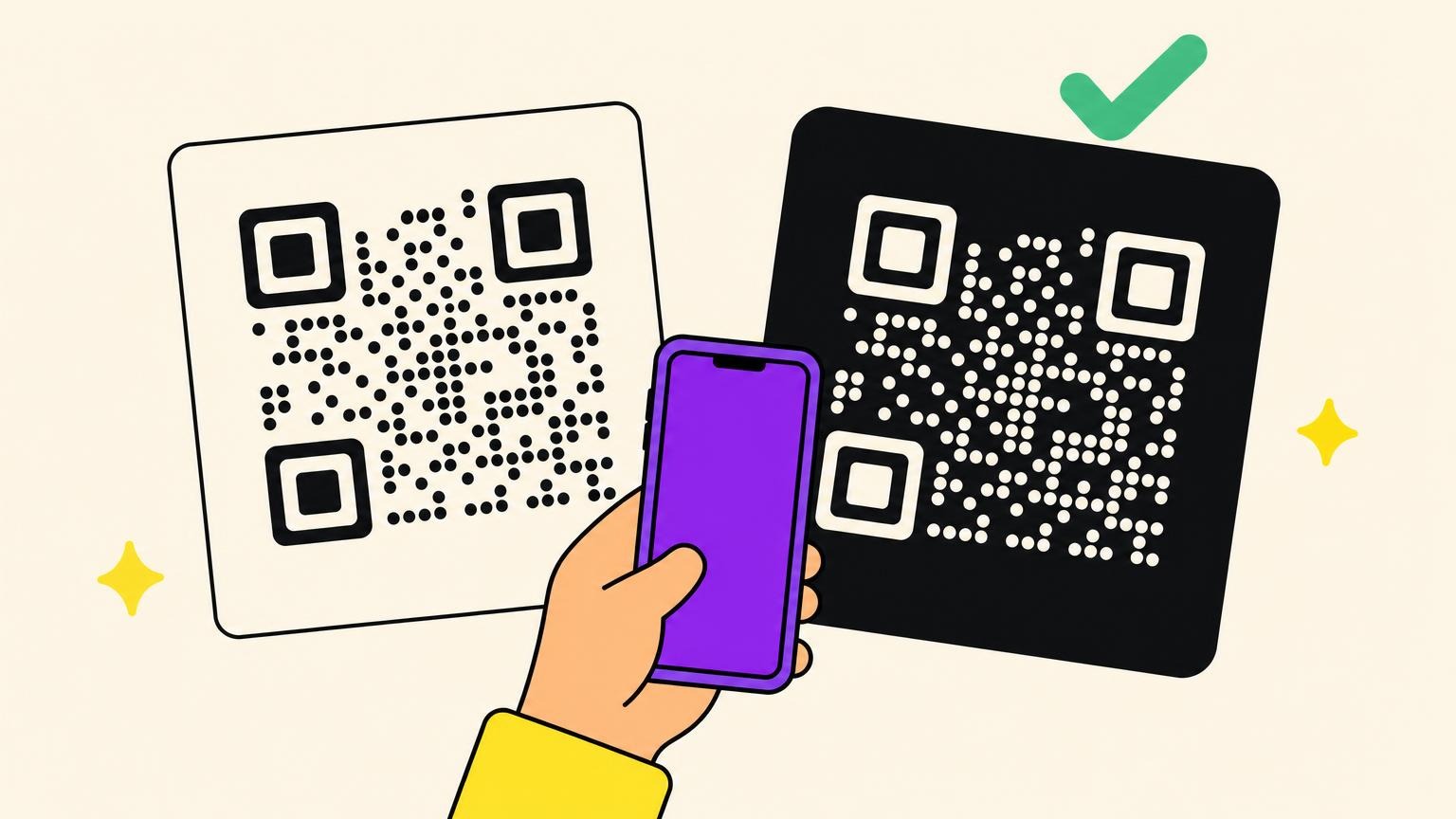
On the QR side, three habits are enough. Test the code on two phones before printing, check the domain that's actually encoded, and prefer a redirect domain your customers recognize. That's also what protects them from the fake QR code scam stuck on top of the real one.
You choose a connector like software, not like a photo filter.
A QR code that survives the printer
For a poster whose link you might need to change, open the QR code generator, paste the URL and turn on Track scans before you download. The dynamic code lets you update the destination in your account after printing. For a permanent link that needs no scan counts, a free static code does the job.
Frequently asked questions about QR codes and ChatGPT
Do ChatGPT QR codes expire?
A static QR code keeps the URL it was given. It works as long as that address opens, whether the file was created in a chat or in a browser. If a generator created a dynamic code, the short link must stay active too. Check the service's terms before printing.
Why is my ChatGPT QR code not working?
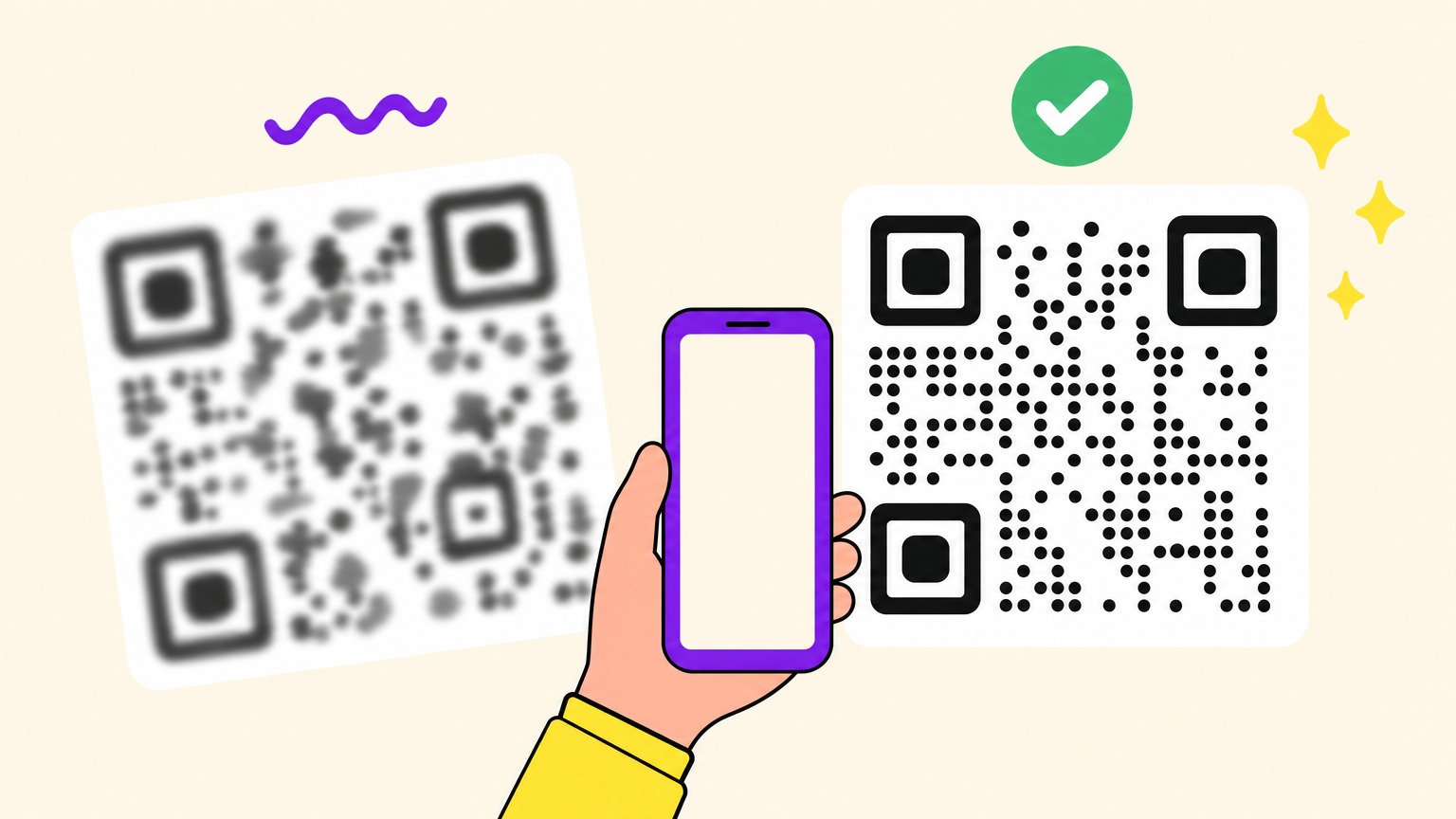
If you asked for an illustration, the pattern may never have encoded your URL. Generate a fresh file with a QR encoder. If the original file scans but the poster doesn't, check that the code is large enough, the white border is intact and the image hasn't been blurred by resizing.
What plan do I need to connect a QR tool to ChatGPT or Claude?
Oh My Code lists API access under its custom plan. Check that your Oh My Code account has the access you need before connecting it. In ChatGPT, your workspace must also allow the connector to create QR codes. You can make a free static QR in the public generator without connecting either assistant. After the 14-day trial, keeping a dynamic code active requires a paid plan.
Is it risky to connect your AI assistant to a QR code service?
The risk isn't zero, it's manageable. A connector runs code for you, so only plug in services you already use and recognize. Serious connectors restrict access to QR code management alone, never to passwords, and can be revoked in one click.